
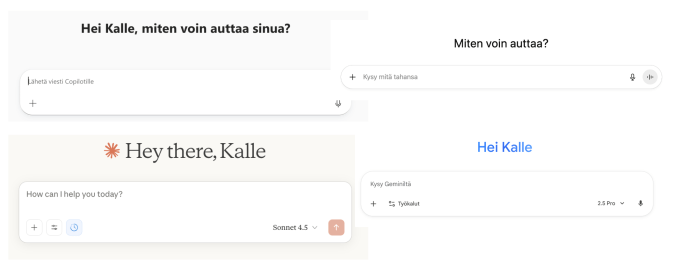
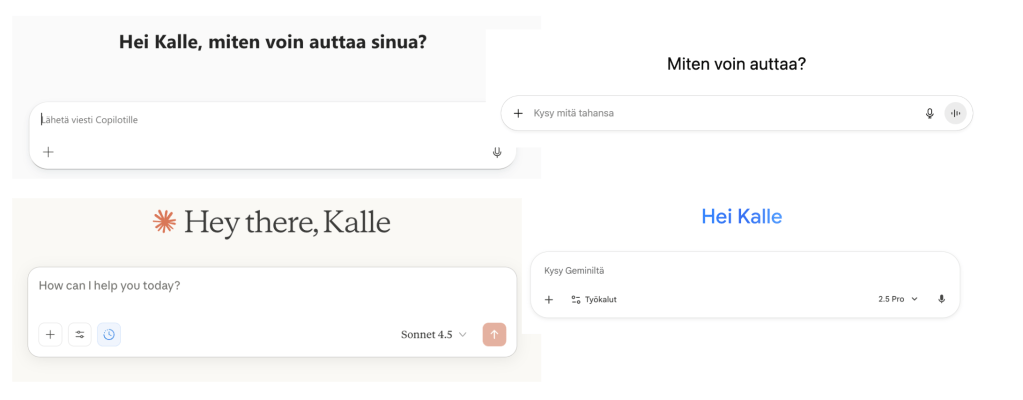
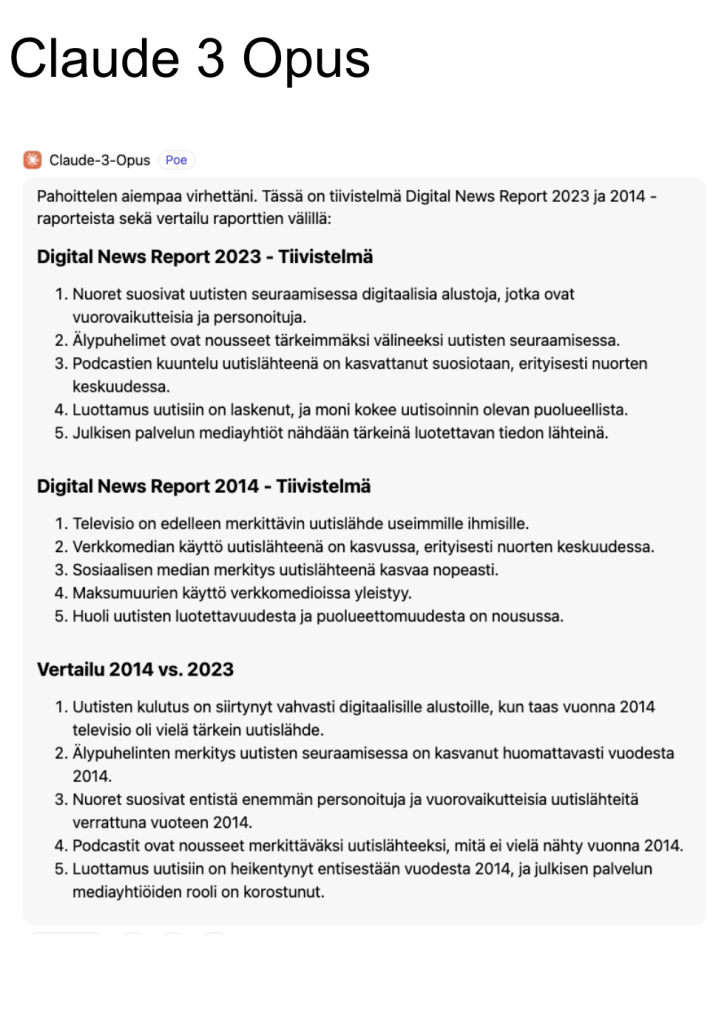
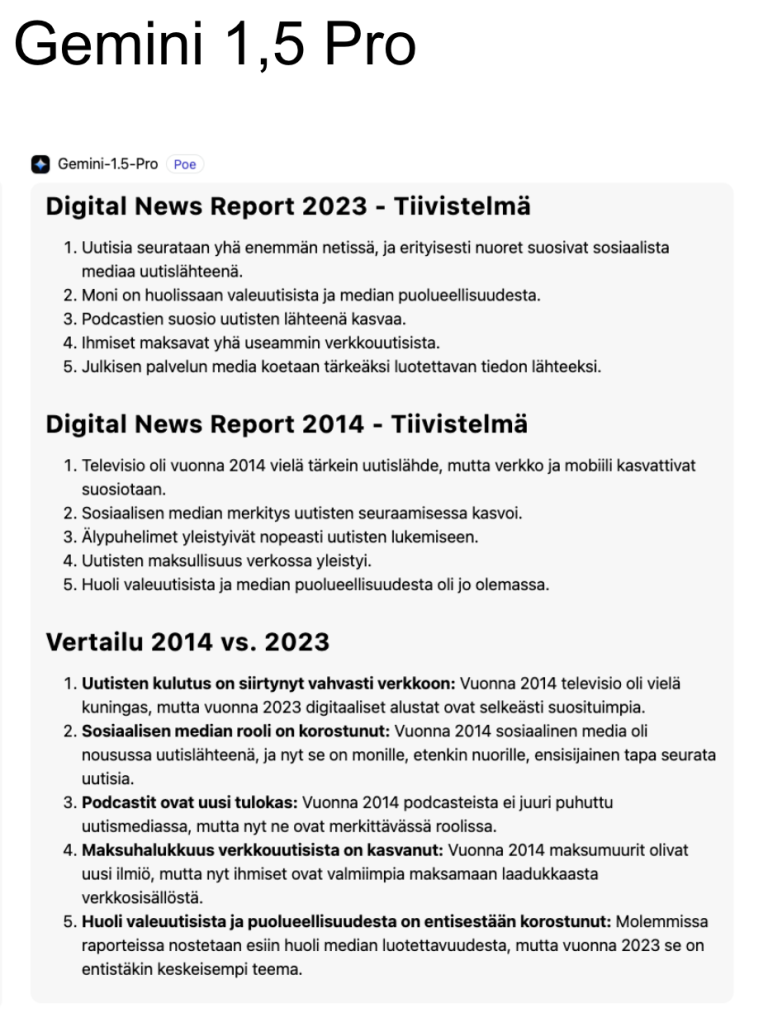
In this illustration there are only chat views, but in this article I also look at some other AI features than just chats.
The big picture: there is of course no one-size-fits-all tool. Each has its own strengths and weaknesses. What works best depends on the nature of your work and industry. The level and scope of the license also matters. From any non-expert user’s perspective, the sheer number of options can actually be a problem — keeping up feels like a full‑time job.
My experiences with different AI tools? I enjoy reading about these on LinkedIn, so here’s my own compact roundup of a few tools.
Copilot
Pros:
- The biggest advantage is search — provided you have an M365 Copilot license. If you want to find what presentations or calendar entries you’ve made over a long period on topic X, Copilot’s compilation is surprisingly good and easy to reshape into any format you want. Or if you’re asking for guidance on a topic documented somewhere in your organization, you’ll get a solid answer in seconds. At its best, Copilot turns your intranet into a highly accessible treasure trove. My experience with Gemini’s Drive search is less convincing.
- Security. Impossible to overstate.
- Copilot agents (not really agents-agents but counterparts to ChatGPT’s GPTs) can actually be quite good for repetitive tasks. Gemini’s equivalents — Gems — are not as strong. But when building a Copilot agent, don’t use the clunky built‑in helper tool. Instead, create your instruction prompt elsewhere, for example in ChatGPT.
- The deep‑dive feature (Researcher) is also decent.
Cons:
- Branding chaos. ”Copilot” is Microsoft’s umbrella term for many AI things — chats, in-app assistants, and more. Ask around and you’ll get different answers about what Copilot even is to different people. Case in point.
- Without an M365 Copilot license, the benefits over other tools vanish.
- Detail: To use GPT‑5 inside Copilot chat, you still have to manually toggle it on each time from the upper‑right corner. Painful. And when using Copilot agents, you can’t be sure which model they use.
- Inconsistencies. What works one day may behave totally differently the next. I haven’t seen quit as similar behavior in other tools.
- Using Copilot on mobile is… not great. On my phone, I use ChatGPT and Gemini the most.
- Generally unintuitive, clunky, messy — especially for non‑experts. Opening the interface alone feels chaotic to some, I’ve noticed.
- Finnish output is still often awkward, though it has improved a lot in six months.
- Creating PowerPoints with Copilot still isn’t smooth. Translating presentations remains perhaps its only really useful advantage for now if you really want to save time.
ChatGPT
Pros:
- Still the best all‑purpose tool, even if it doesn’t match Claude’s fluency in Finnish or Gemini’s image generation.
- Excellent deep search and agentic querying.
- Great at helping with software usage that needs practical guidance. People say Claude is better for vibe‑coding, but ChatGPT has served my modest needs. I rely on it when learning new tools — e.g., automation platforms like n8n or Power Automate (pro tip: always specify which UI language you’re using…).
- Creating custom GPTs is probably the smoothest of all tools. I use them regularly.
- Search automation (e.g., weekly queries). Works well at its best.
Cons:
- Integrations have improved, but security concerns remain. I wouldn’t connect it to my primary email — if I did, I’d make a separate address for it, as many have. That says a lot about trust.
- Odd issues with file handling, especially Excel documents. Claude handles files more reliably.
- Search automation can be unpredictable: the same prompt may work once, fail the next time (“unable to complete request” etc), and half‑work the time after.
Claude
Pros:
- Finnish language quality. Not a coincidence that many Finnish media companies build their in‑house text‑AI tools on Claude models.
- Artifact feature. Great for building small, functional mini‑apps — almost as smooth as Lovable. Handy for product concepting.
- Deep search is in some cases even better than with ChatGPT.
- Projects feature for managing large collections of material and discussing them. Works a bit differently than ChatGPT’s approach.
Cons:
- In my experience, Claude hallucinates more than others — or at least more than ChatGPT.
- No image generation.
Gemini
Pros:
- Surprisingly strong with Finnish.
- Top‑tier image generation. At best, your phone becomes an excellent image editor. Everyday tip: take a picture of your child’s schoolbook, erase completed tasks, and reuse the clean page for test prep.
- Integration that feels reasonably safe. For example, I open a Drive doc and ask the Gemini side panel to find themes or summarize — works well at its best.
- In Google Docs, Gemini is perhaps the only AI helper in a word‑processing environment that I could actually imagine using. Word’s Copilot assistant isn’t even close.
Cons:
- Integration doesn’t yet mean as smooth a search like with the M365 Copilot. If I ask it to find themes in my emails from the past year, I get only a fraction of what I expect.
- Gemini’s own ”GPTs” (Gems) don’t work that well.

 Numeroiden takaa